Total Triage Appointment System
FAQs
On Friday 2nd January 2026 Portmill Surgery will commence using a new appointment system. All those that can, will need to submit a request through e-Consult which can be found on our website, (or through the NHS app). If you are unable to use the email form or access the internet for any reason, our reception team will be able to fill in the form on your behalf, or a loved one or carer can fill the form in for you.
We already use e-Consult and it is available on our website now. You are able to submit an admin request Mon-Fri 8am-6.30pm and medical queries between 8am-12pm Mon-Fri while we have capacity and then it is closed. From the 2nd of January this will change to be open Mon-Fri 8am-6.30pm excluding bank Holidays.
There are no logins or passwords required, all you need is your date of birth.
Please put as much information as possible onto the form as we can triage the form effectively. If we do not get enough information, you may be asked to submit another e-Consult.
We have also stopped accepting any patient letters to clinicians. We have seen that some patients are including important medical information into letters for specific clinicians that do not get seen when the GP is on leave or not working that day. Reception will politely refuse to take these going forward.
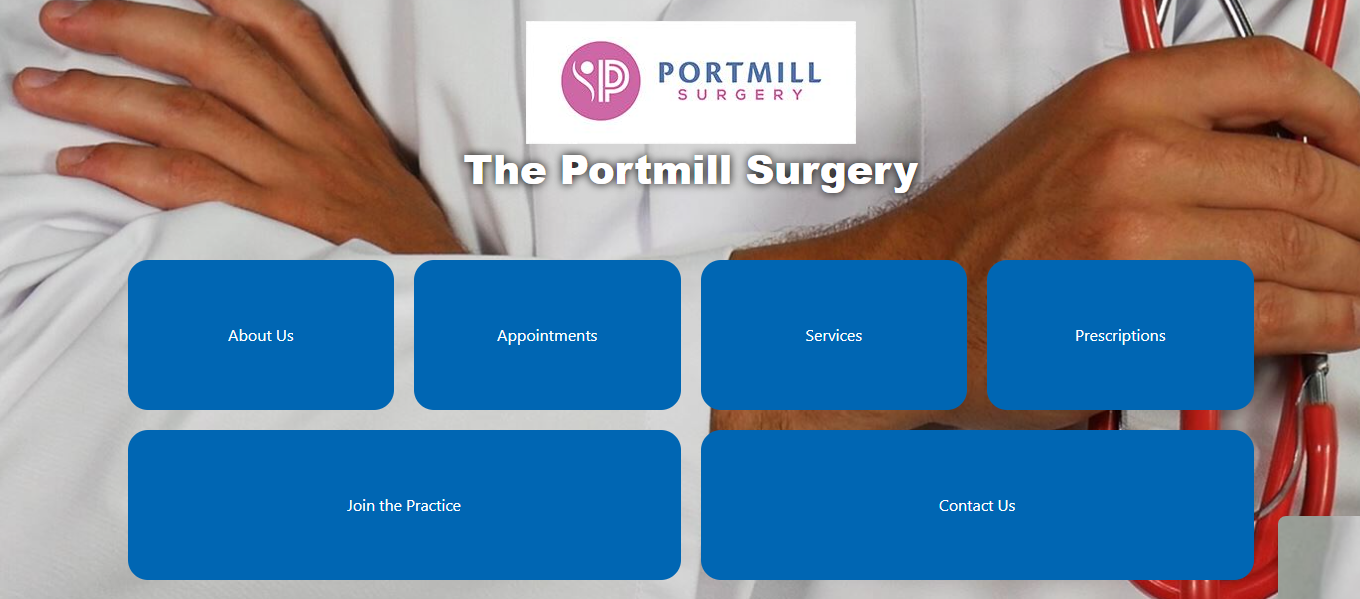
You can find e-Consult on our website:
Click on the ‘Appointments’ tab 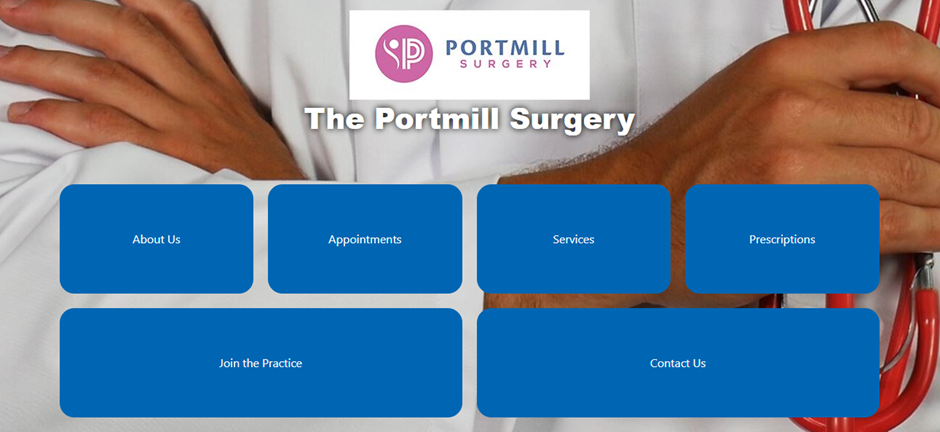
and then by clicking on the e-Consult button
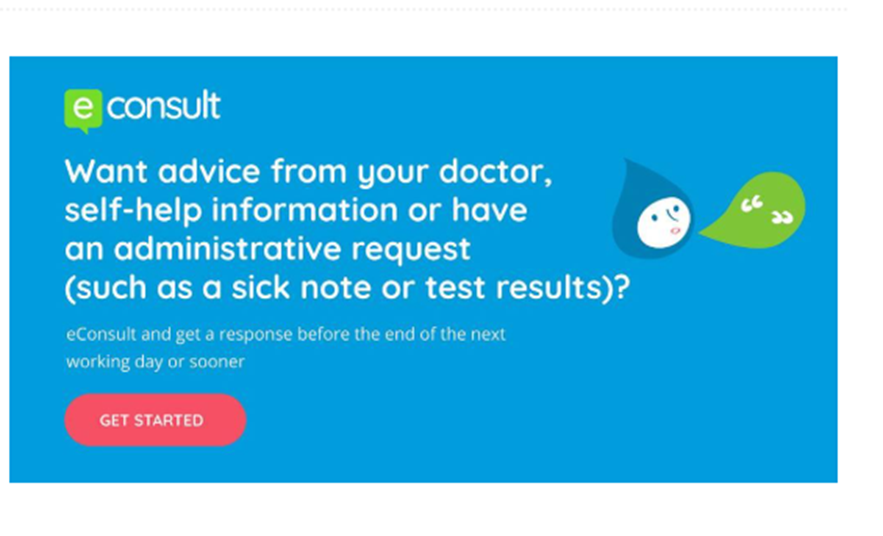
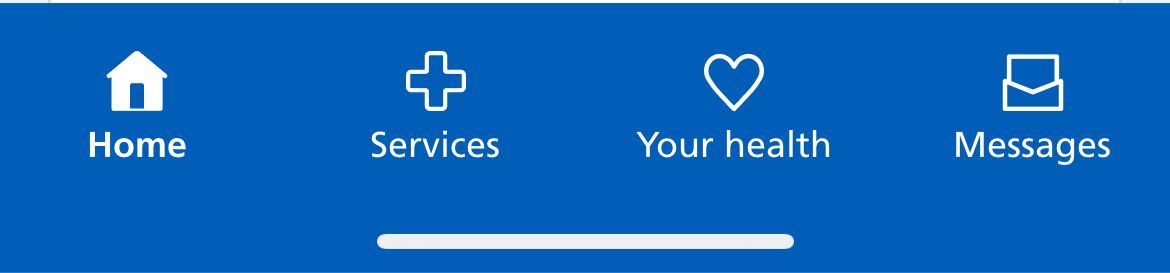
You can also access e-consult through the NHS app by clicking on the services button at the bottom of the screen
Questions you have asked us:
What types of appointments will this affect?
You will need to submit an e-Consult for any unplanned appointments. These would usually be with a GP, ANP, physio and some Clinical Pharmacist appointments.
The following appointments can all be booked by reception, but you can also submit an e-Consult if that is you preferred method of contact:
- Smear tests
- Blood tests that you have been given a blood form for
- Annual reviews that you have been invited for
- Injections with the nurses (B12s, flu, RSV, pneumococcal etc)
- Ongoing wound care
(This list is not exhaustive)
If you are not sure, you can submit an e-Consult for all appointments, or reception will be able to advise you.
How soon after submitting an e-Consult will I hear from the surgery?
Once you have submitted your e-Consult, you will hear from the surgery within one working day. We may then ask you to book an appointment for that day, or within a specific time frame. We may also sign post you to another service or give you self-help advice.
If you have not heard from us in one working day, please call reception.
How will you contact me about my e-Consult?
If we want to see you on the day we will call you. Otherwise we would like to contact people by SMS message wherever possible as we can send you booking links for most things (like we do for the flu clinics), but we can also send emails if that is your preference. If you do not have access to email or you do not have a smart phone, we will call you and if we cannot get hold of you, we will write to you.
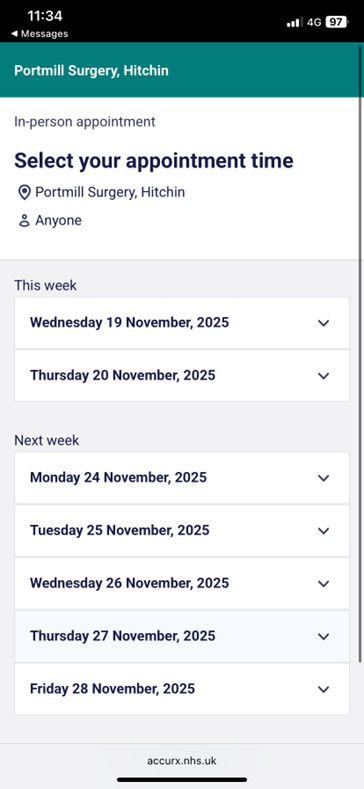
Booking links will look like this:You will be offered every suitable clinician. You can click 'Anyone' or a specific clinician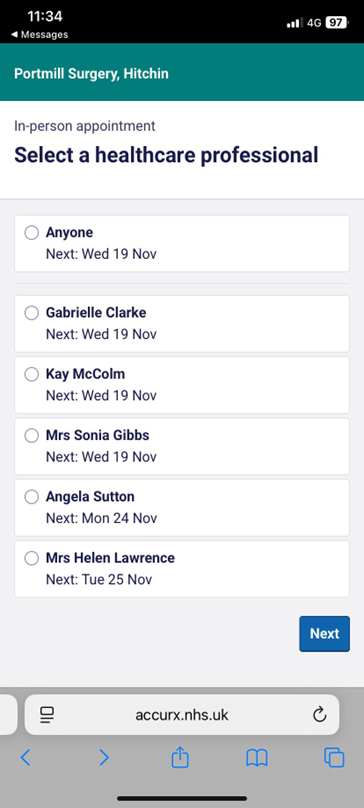
The link will then offer you all the days the clinician(s) is available for that appointment
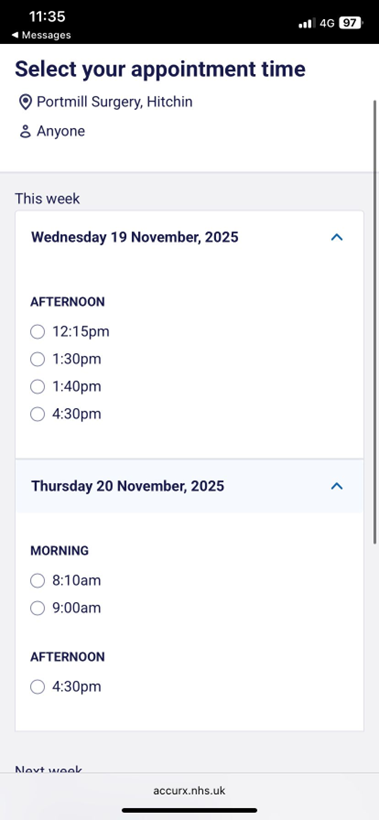
It will then show you all the appointmetns available for that day
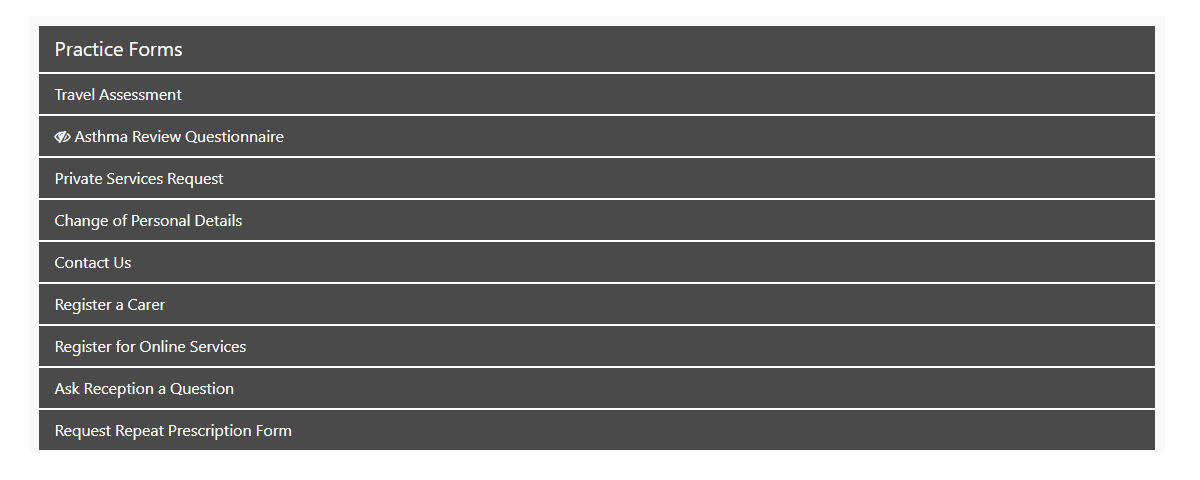
If you are not sure if we have your up to date contact details, please either let reception know when you are in the surgery, or go onto the ‘Contact Us’ section of the website
and there is a form called ‘Contact Us’. You can send all your correct contact information and we will update your records.
Can I still put my prescription into the box in reception?
Yes.
Can I still use my Airmid/System Online/NHS App to order my repeat prescriptions?
Yes. None of the features of the apps will change, you will still be able to see any consultations you have access for and your prescriptions can still be ordered this way. You can now also request medication through e-Consult as well. You will need to request appointments through e-Consult.
If you ordered your medication via the website, we will be removing this access in January and replacing it with e-Consult.
What if I disagree with my triage outcome?
We want to make best use of all resources and many patients don’t need to see a GP.
If the service to which you’ve been triaged feel it’s not appropriate, please send another eConsult explaining this.
If you wanted a face to face appointment, but got a telephone call, the clinician you speak to will bring you in if they feel you need to be seen.
If you wanted a telephone call, but got a face to face, you can call reception to change it to a phone call, but please bear in mind the triaging GP felt you needed to be seen.
What if I wanted to see a specific clinician?
You will have been offered all the appropriate appointments within the timeframe the triaging GP asked for (ie see a GP within 2 weeks). If the GP you want to see is not available in that time, you can call reception and ask them if there is anything after 2 weeks, but please bear in mind the triaging GP thought you needed to be seen in 2 weeks, waiting for 4 weeks may not be the best thing.
What if the clinician says they want to see me again?
The clinician may book a follow up themselves or send you a booking link
If there is a clear plan and timeframe in the notes, reception can book this.
Example: You have a rash. The clinician has given you some cream and say they want to see you in two weeks or let them know if it gets worse.
You can book the review for two weeks with reception BUT if it gets worse, please submit an eConsult – you can’t book this directly.
How do I submit blood pressures?
A clinician will have asked for blood pressure results and more often than not, we will now send you a link by text to submit your blood pressure results.
If you are unable to or don’t want to use the text link, you can also use the admin section of e-Consult, there is a section for ‘other requests for documentation or paperwork’ or you can drop them into reception as usual.
Page created: 05 December 2025